pfun-cma-model
WebSocket Streaming
Overview
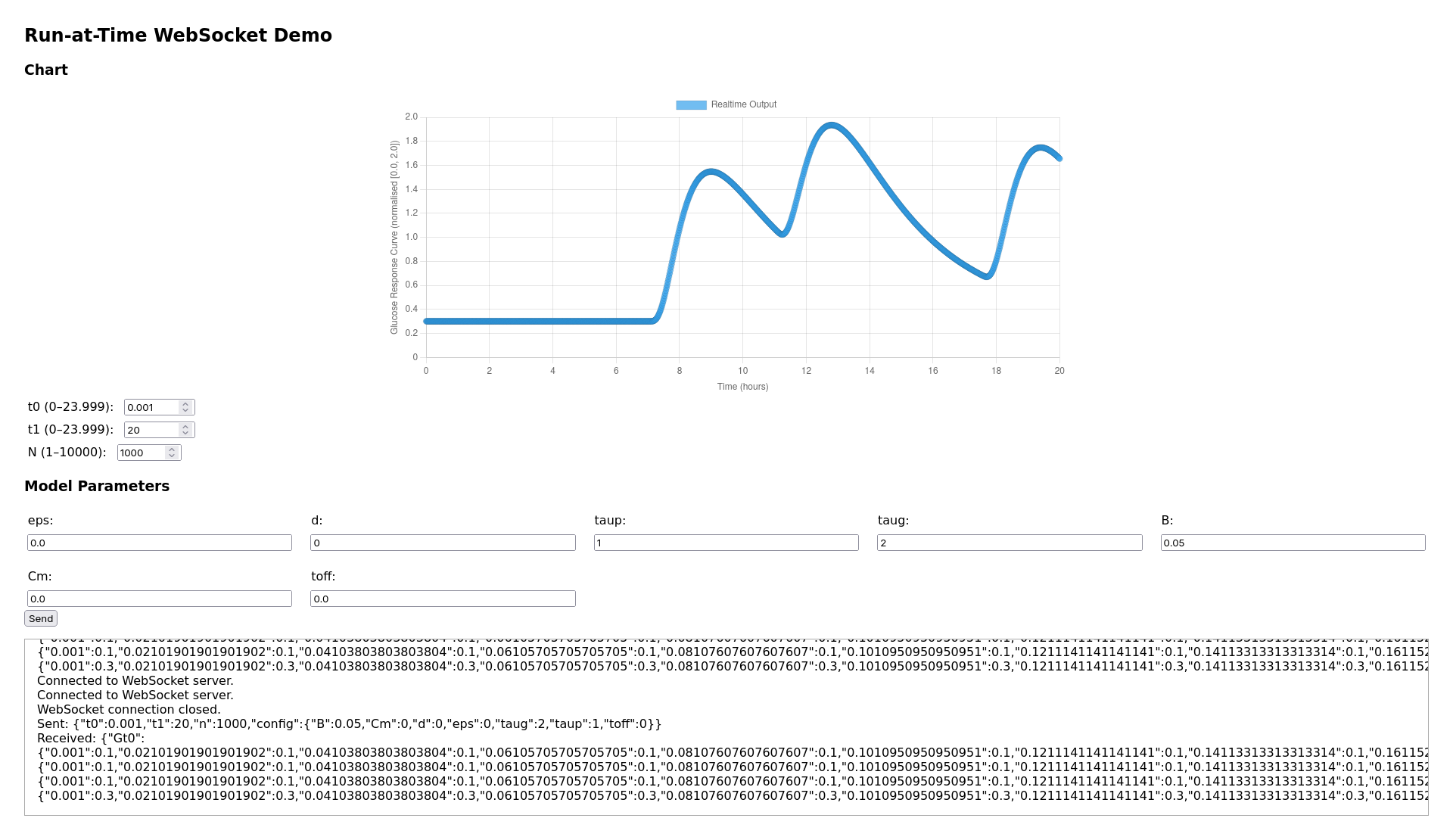
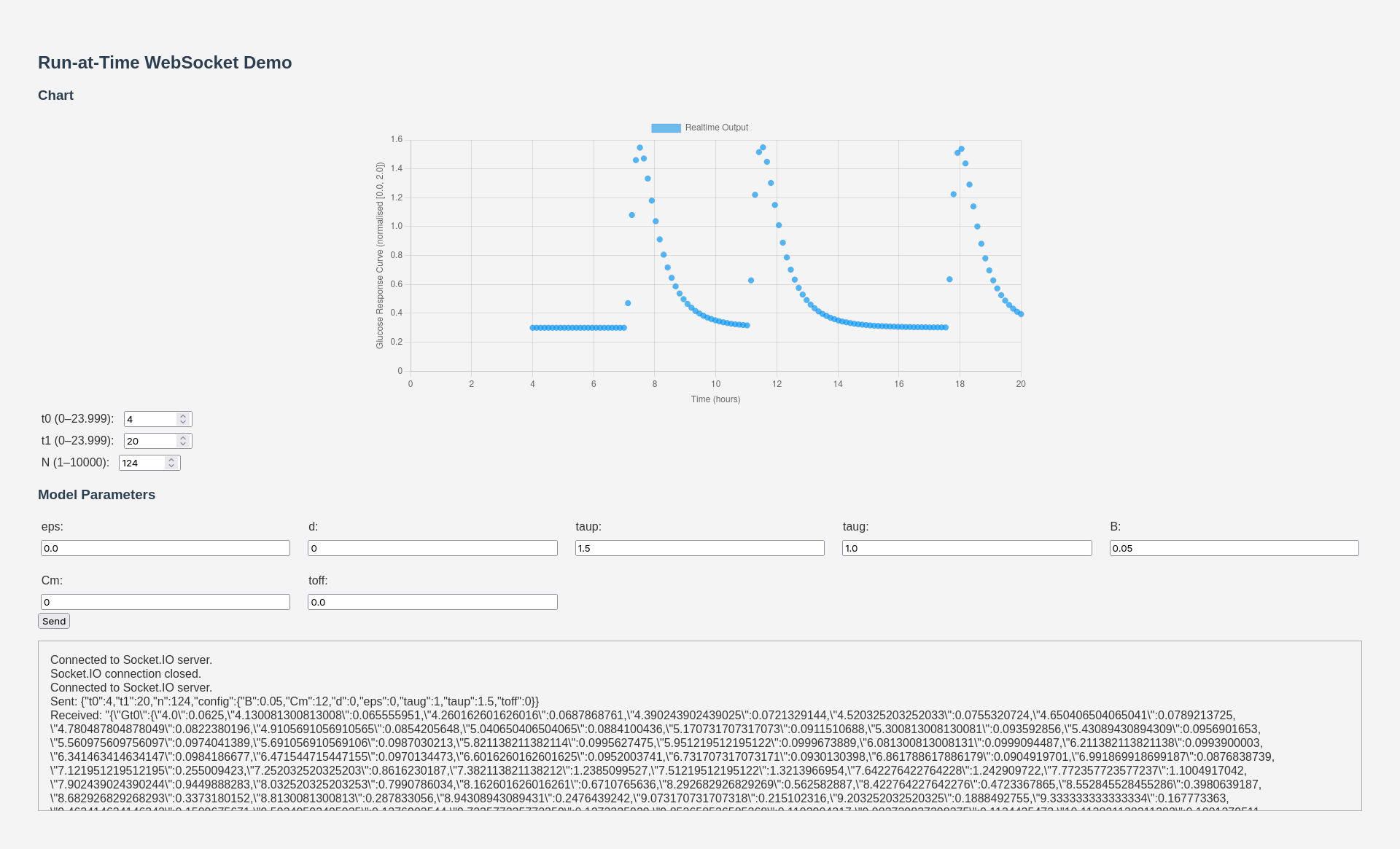
The WebSocket streaming demos provide real-time, bidirectional communication between the browser and the CMA model. Adjust parameter sliders and see glucose curves update instantly.
Run-at-Time Demo
The primary WebSocket demo at /demo/run-at-time lets you:
- Adjust all six bounded CMA parameters via sliders
- Set meal times interactively
- Watch the glucose curve update in real-time via Chart.js
Video Demo
Architecture
sequenceDiagram
    participant Browser
    participant SIO as Socket.IO Server
    participant CMA as CMASleepWakeModel

    Browser->>SIO: connect()
    Browser->>SIO: emit("update_params", {d: 0.5, taup: 1.2, ...})
    SIO->>CMA: cma.update(d=0.5, taup=1.2)
    CMA->>CMA: run()
    SIO-->>Browser: emit("model_result", {t: [...], G: [...]})
    Browser->>Browser: Chart.js update
The server uses python-socketio for WebSocket communication, with Redis as the message broker for horizontal scaling.
Available WebSocket Demos
| Demo | Endpoint | Rendering | Description |
|---|---|---|---|
| Run-at-Time | /demo/run-at-time |
Chart.js | Parameter sliders + glucose chart |
| Canvas Wave | /demo/canvas-wave |
HTML5 Canvas | 1D wave equation visualization |
| Full Model Run | /demo/full-model-run |
Chart.js | All signals (c, m, a, G) |
| WebGL Plot | /demo/webgl-demo |
WebGL-Plot | GPU-accelerated real-time rendering |
Running Locally
# Start the dev server (includes WebSocket support)
uv run fastapi dev pfun_cma_model/app.py --port 8001

# Then open in browser:
# http://localhost:8001/demo/run-at-time
Client-Side Integration
Each demo page loads Socket.IO and connects to the server:
const socket = io("ws://localhost:8001", {
    transports: ["websocket"],
});

// Send parameter update
socket.emit("update_params", {
    d: parseFloat(dSlider.value),
    taup: parseFloat(taupSlider.value),
    taug: parseFloat(taugSlider.value),
    B: parseFloat(bSlider.value),
    Cm: parseFloat(cmSlider.value),
    toff: parseFloat(toffSlider.value),
});

// Receive model results
socket.on("model_result", (data) => {
    updateChart(data.t, data.G);
});